
Add a border to your photos to enhance their look,
and add a watermark to protect them, the easy way!
What does the app do?
Are you looking to make your photos stand out and protect your work at the same time?
Look no further! Our app is designed to add a stylish border to your photos, giving them that extra touch of professionalism.
Not only that, but you can also easily add a watermark to ensure your photos are always recognised as your own unique creations.
With just a few simple taps, you can transform your photos into stunning works of art while also safeguarding them from unauthorised use.
Who is the app for?
- Professional Photographers:
Showcase your portfolio with confidence and prevent unauthorised use. - Photo Enthusiasts:
Share your favourite shots online without worrying about plagiarism.
Try our app today and take your photography to the next level!
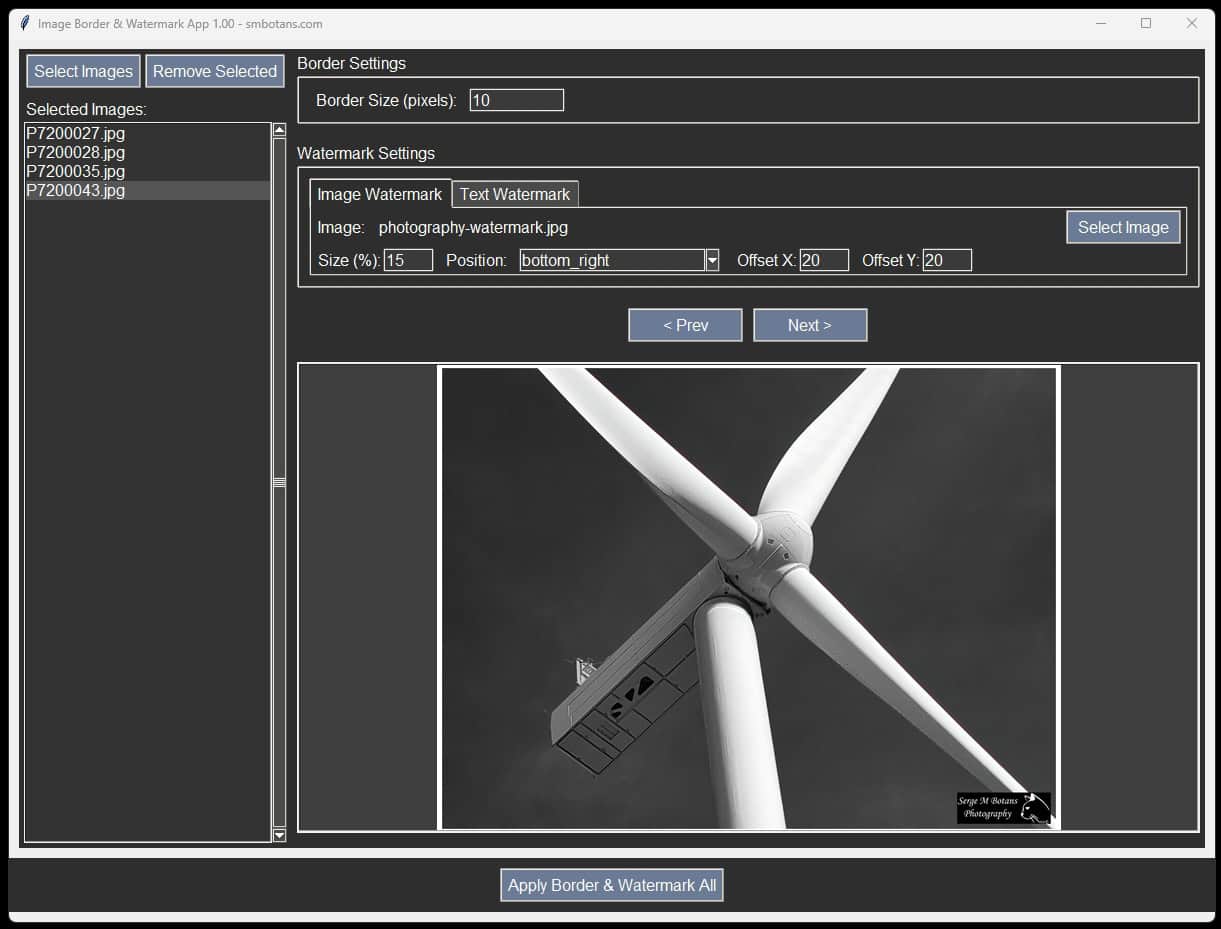
Image Border & Watermark Features
- You can process just the one photo, or…
- You can process many photos in one go,
- You can add a white border to your photo(s),
- You can select the width of the border you want,
- Currently, only a white border can be added,
- The app is very fast,
- Your text and image watermark settings are saved for the next time,
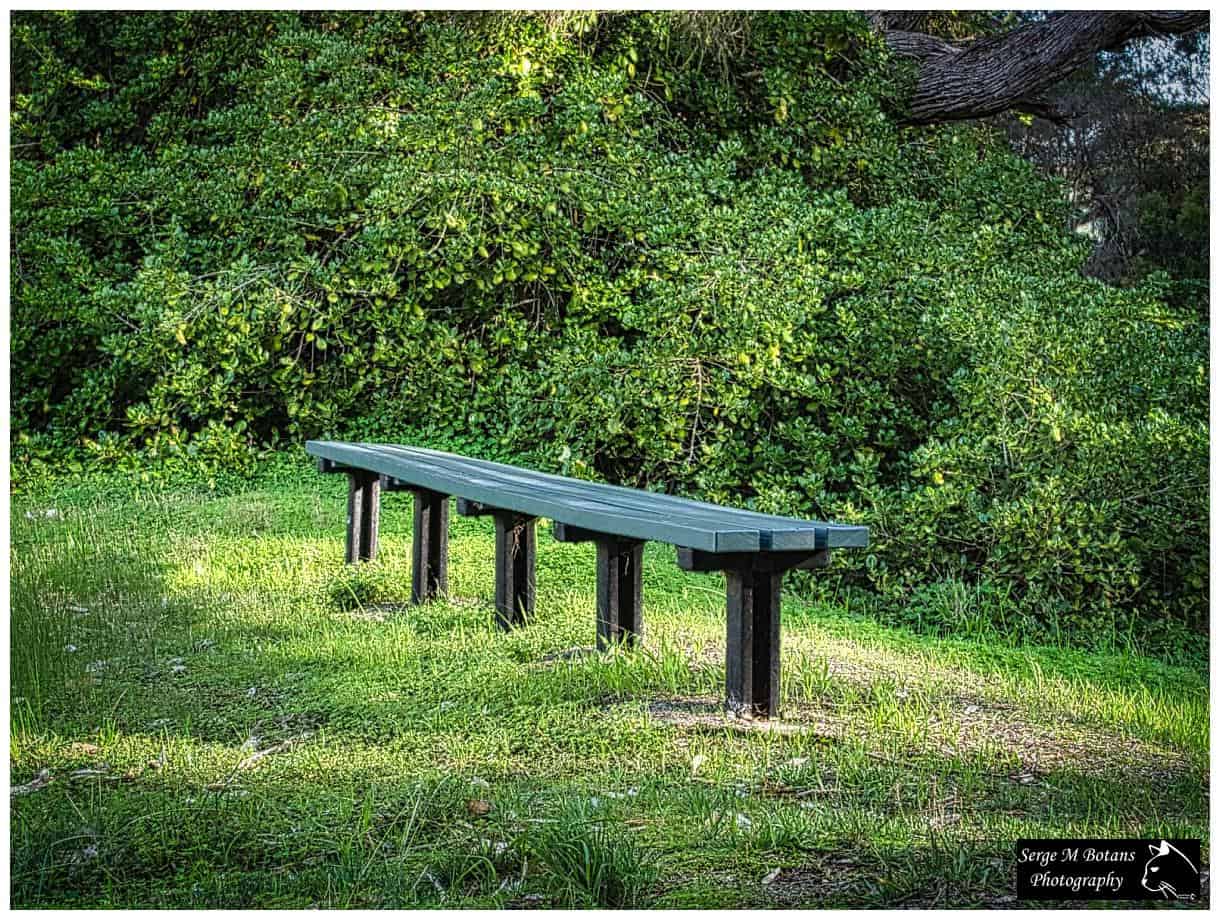
- You can preview each photo with your set border and watermark,
- You can add a text watermark to your photos
- You can add an image as a watermark,
- The watermark can be placed in 5 locations of your photos,
- You can add an x and y offset to allow for the white borders,
- You can set the size of your image watermark,
- You can set the font size of your text watermark.
Other No-Frills Free Software
We have lots of other free no-frills software, click on the button on the right to view them all.
Image Border & Watermark Versions
1.00 Initial release.