
The SMB PDF Shrinker:
Make Your Files Light & Easy
Stop struggling with “File Too Large”
Have you ever tried to email a document only to be told it’s too big to send? Or maybe your computer is running out of space because of hundreds of saved receipts and manuals? Our SMB PDF Shrinker is a one-click tool that makes your digital life lighter, faster, and more organized.
How It Helps You
- Send Emails Faster: Shrink large documents so they fly through your email and arrive instantly.
- Save Computer Space: Keep all your important files without filling up your storage.
- Keep Things Sharp: We use “Smart-Shrink” technology that reduces the file size while keeping the text and pictures looking clean and professional.
Why It’s Different
- Private & Secure: Most “free” online shrinkers take your file and upload it to the internet. Our app stays on your computer. Your private bank statements and personal IDs never leave your sight.
- The “Never-Grow” Guarantee: Some apps actually make files bigger by mistake! Our app checks the size first. If it can’t make the file smaller, it won’t save it, so you never waste your time.
- See Your Progress: Watch exactly how many megabytes you’ve saved over time with your personal “Savings Dashboard.”
Perfect For…
Perfect for students, home office workers, and anyone who wants a tidier digital life.
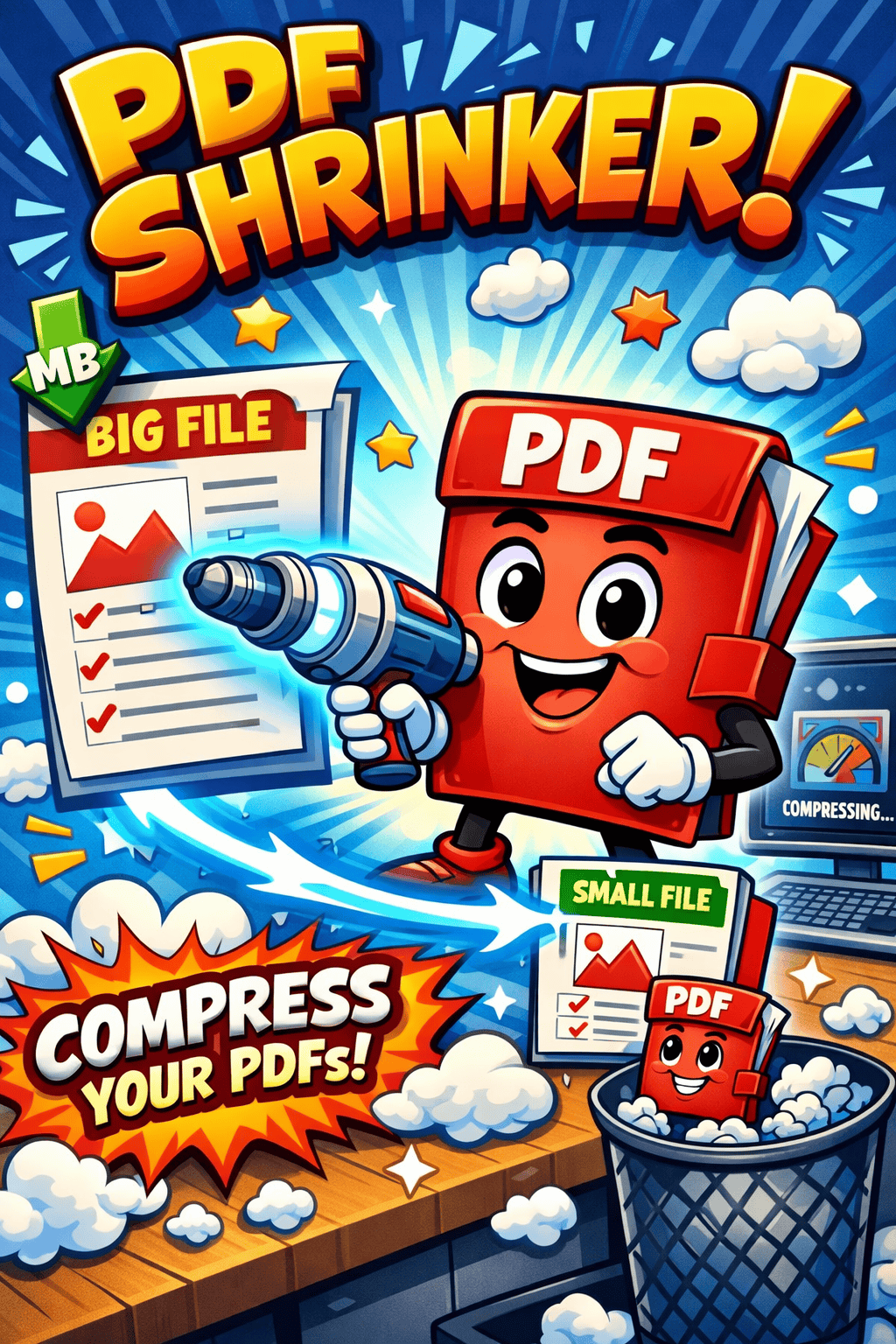
Two Simple Settings
- Standard (Best for Paperwork): This is for your bills, receipts, and forms. It cleans up the “hidden” junk in the file to make it smaller without changing how it looks.
- Photo-Fit (Best for Pictures): Use this for holiday brochures, menus, or posters with lots of photos. It shrinks the images just enough so the file becomes tiny but still looks great on screen.
How to Use It in 3 Steps
- Pick Your File: Click the “Select File” button.
- Start: Hit the green “Start Optimization” button.
- Done! Your new, lighter file is ready. You can even click the email icon to send it right away.
Works On
- Any Windows laptop or desktop.
- No internet connection required to shrink files.
Click Here to Download: SMB PDF Shrinker
SMB PDF Shrinker Features
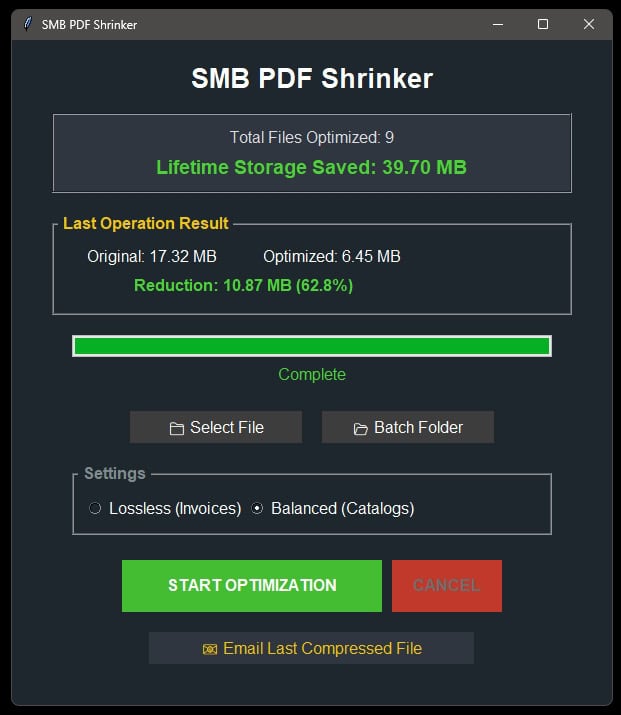
- Your Personal “Savings” Counter
Every time you shrink a file, the app remembers. You can see exactly how many hundreds of files you’ve processed and how much total room you’ve cleared off your computer. - The “Safety First” Save
The app is smart. It checks the size of the new file before it asks you to save it. If the “shrunk” version is actually bigger than the original, the app stops and tells you, so you never waste space. - Clean Up Whole Folders at Once
Don’t do it one by one! You can select an entire folder (like “Taxes 2024”) and the app will go through every single PDF inside, shrinking them all while you grab a coffee. - One-Click Emailing
As soon as your file is finished, click the envelope icon. It opens a new email for you with the file’s location already written in, so you can send it off to a friend or coworker instantly. - 100% Private
Unlike websites that ask you to upload your files, this app works entirely offline on your own computer. Your private bank statements, IDs, and letters never leave your machine. - Easy-to-See Progress Bar
If you are shrinking a very large book or a folder with 50 files, a green bar shows you exactly how much work is left. You’ll never be left wondering if the app is still working.
- Two Simple “Shrink” Levels
- High Quality: Best for important documents with small text.
- Extra Small: Best for files with lots of photos that just need to be small enough to email.
- One-Click Emailing
As soon as your file is finished, click the envelope icon. It opens a new email for you with the file’s location already written in, so you can send it off to a friend or coworker instantly. - 100% Private
Unlike websites that ask you to upload your files, this app works entirely offline on your own computer. Your private bank statements, IDs, and letters never leave your machine. - Easy-to-See Progress Bar
If you are shrinking a very large book or a folder with 50 files, a green bar shows you exactly how much work is left. You’ll never be left wondering if the app is still working. - Keeps Your Originals Safe
The app never deletes your original files. It creates a new folder called “Optimized Output” for the small versions, so you always have your original copy just in case you need it. - Pro-Tip
This app uses the Ubuntu font, which was designed to be one of the easiest fonts in the world to read on a computer screen. No more squinting at tiny, blurry text!
Other No-Frills Free Software
We have lots of other free no-frills software, click on the button on the right to view them all.
SMB PDF Shrinker Versions
1.00 Initial release.